Sample courses

See what Xogogy builds.

Short courses, built in Xogogy and published with its own player. Play them here, load the packages into your LMS, or open the project and see how each one is put together.

Slide-based courses

A slide at a time, with layers, triggers, states and a player bar.

About 7 minutes · 14 slides

Coffee Brewing 101

Grind, ratio, water and time: a crash course in a better cup at home, ending in a five-question taste test.

Shows Sequence and matching questions, click-to-reveal layers, object states, timed objects, graded quiz with results, retry and review

Play in browser : Coffee Brewing 101

Download

About 10 minutes · 14 slides

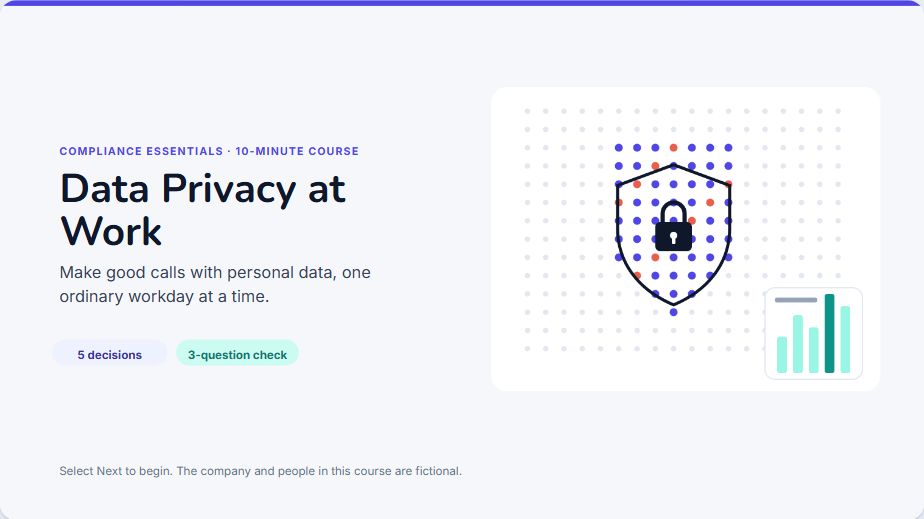
Data Privacy at Work

One ordinary workday of decisions about personal data, from a data request at 09:10 to the end-of-day clean-up.

Shows Branching day-in-the-life scenario, variables that score each choice, layers and object states, fade slide transitions, multiple response question, graded quiz

Play in browser : Data Privacy at Work

Download

About 8 minutes · 13 slides

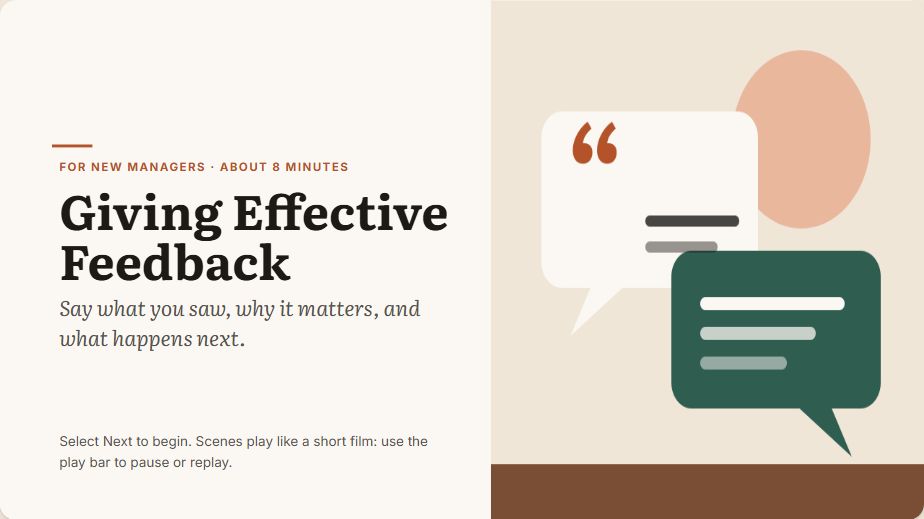
Giving Effective Feedback

For new managers: watch a feedback conversation go wrong, learn four steps, then see the same talk done well.

Shows Sliders that build a self-assessment score, fade entrance animations, timed scenes with play, pause and seek, slide transitions, sequence question, graded quiz

Play in browser : Giving Effective Feedback

Download

About 8 minutes · 12 slides

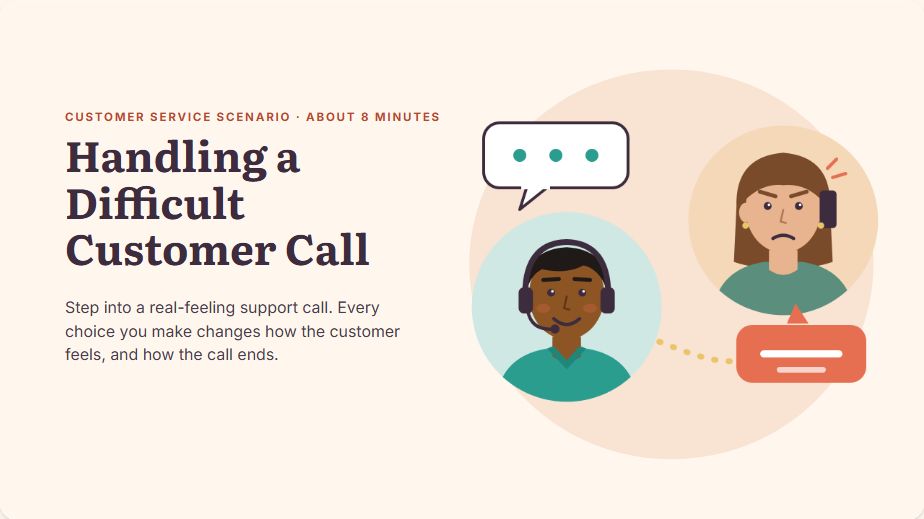
Handling a Difficult Customer Call

A branching support call: every reply changes how the customer feels, and the call has three different endings.

Shows Branching role-play with three endings, variables that record each choice and show it back, layers and object states, completion set by the course, no quiz

Play in browser : Handling a Difficult Customer Call

Download

About 8 minutes · 11 slides

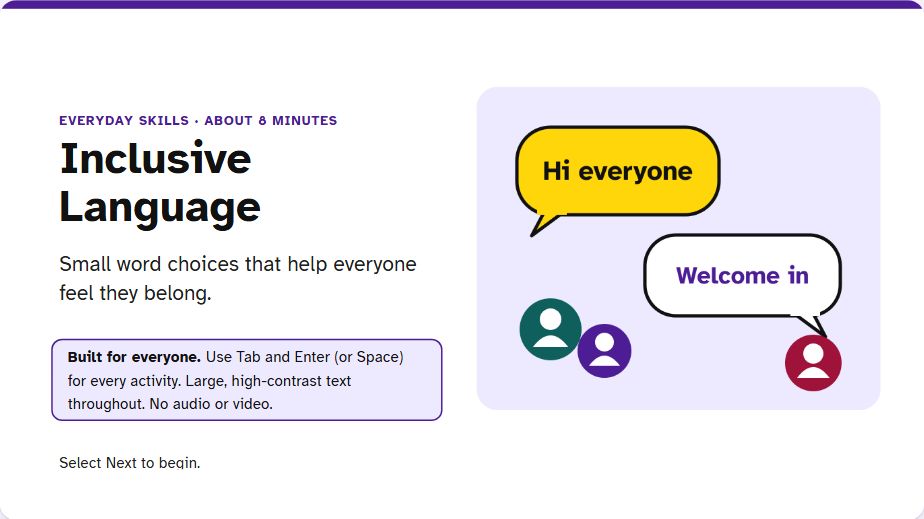
Inclusive Language

Small word choices that help everyone feel they belong, practised with flashcards, a drag-and-drop sort and a reflection.

Keyboard-only friendly · high-contrast text · accessible drag and drop

Shows Text entry stored in variables and shown back, flip buttons with object states, drag-and-drop question with snap to target, multiple choice and true/false, graded quiz

Play in browser : Inclusive Language

Download

About 5 minutes · 12 slides

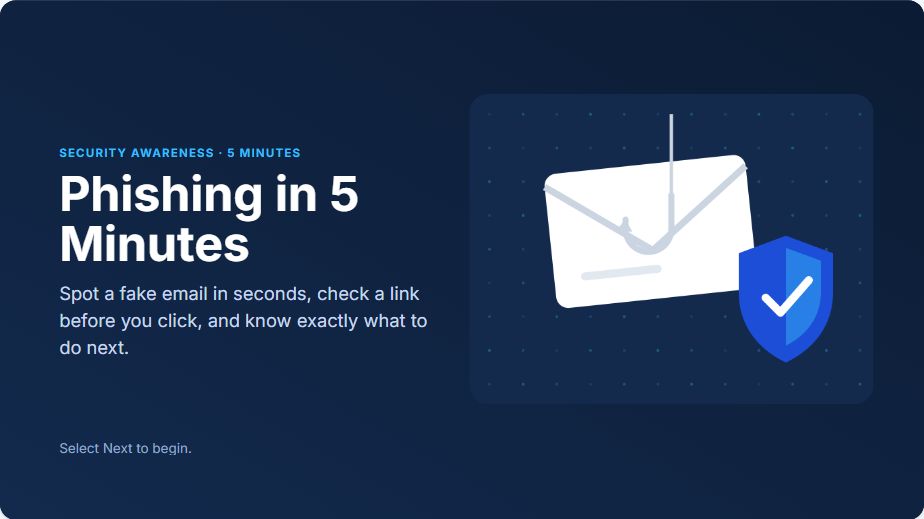
Phishing in 5 Minutes

Spot the warning signs, check a link before you click, and find the clues hidden in two realistic emails.

Shows Find-the-clues activities with hidden objects and counters, layers, fade slide transitions, multiple choice, true/false and multiple response quiz

Play in browser : Phishing in 5 Minutes

Download

Scrolling page courses

Each page is a column of blocks the learner scrolls through, and it reflows to fit any screen.

About 7 minutes · 13 pages

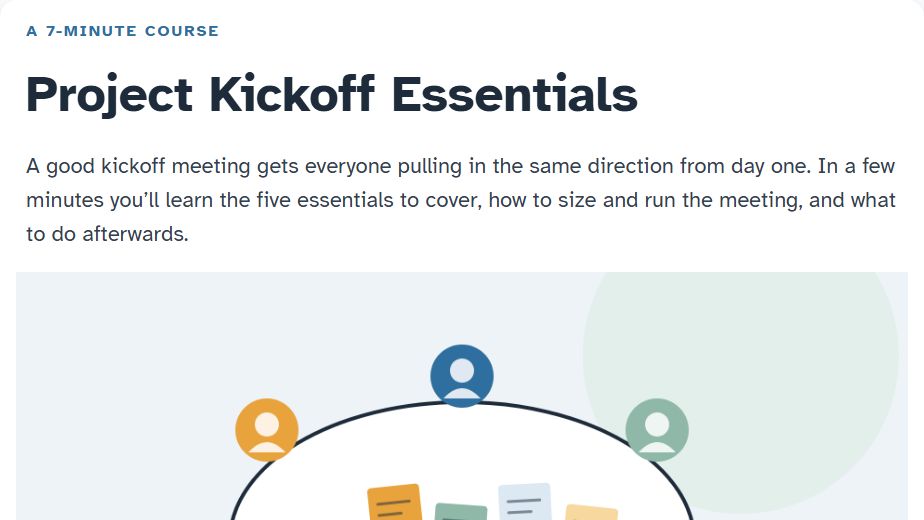
Project Kickoff Essentials

The five essentials of a kickoff meeting, how to size it and what to do afterwards, with a checklist to keep.

Shows Scrolling block layout, flip cards and accordion, statement, quote and list blocks, text entry that personalises the course, graded quiz

Play in browser : Project Kickoff Essentials

Download

About 10 minutes · 12 pages

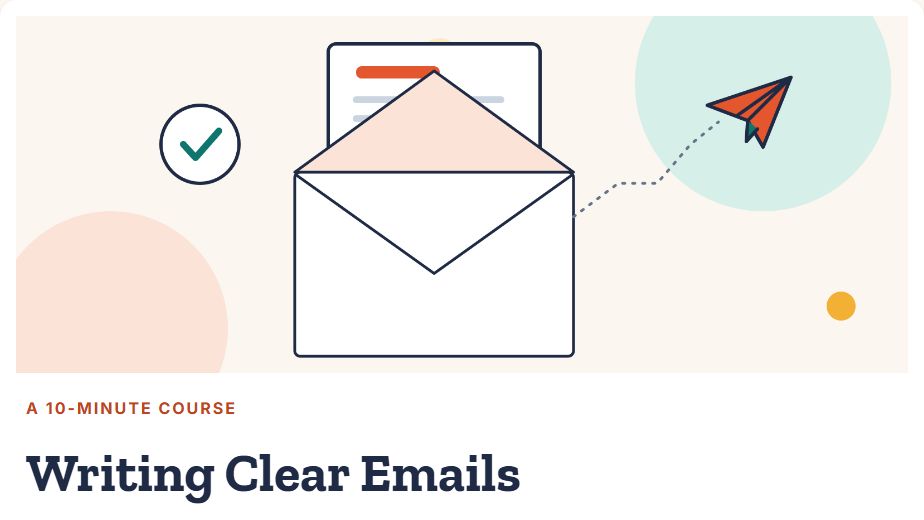
Writing Clear Emails

Put the point first, make every email easy to scan, swap jargon for plain words and check it in under a minute before you send.

Shows Scrolling block layout, side-by-side image and text, tabs, accordion, process, flip cards, carousel, click to reveal and timeline, gallery and continue gates, inline knowledge checks, matching and sequence quiz questions

Play in browser : Writing Clear Emails

Download

What's in each download

  • SCORM 1.2, SCORM 2004 and xAPI are the packages Xogogy publishes, ready to upload to a learning system. Each one reports completion to the learning system, and the score when the course has a quiz.
  • Project is the course folder itself. Unzip it and open the .xogogy file in Xogogy to edit the slides, triggers, layers and questions. Opening and editing are free; publishing needs a licence.
  • The course is plain JSON in course.ccf.json, in the open course format, so you can read it without the app too.

When you play a sample here, the player keeps your place in your own browser's storage so you can pick up where you left off. Nothing about your answers leaves your browser.

The samples are free to use for testing and demos.

Build your own.

Start from a blank course or bring the ones you have. Building, importing, editing and Preview are free.